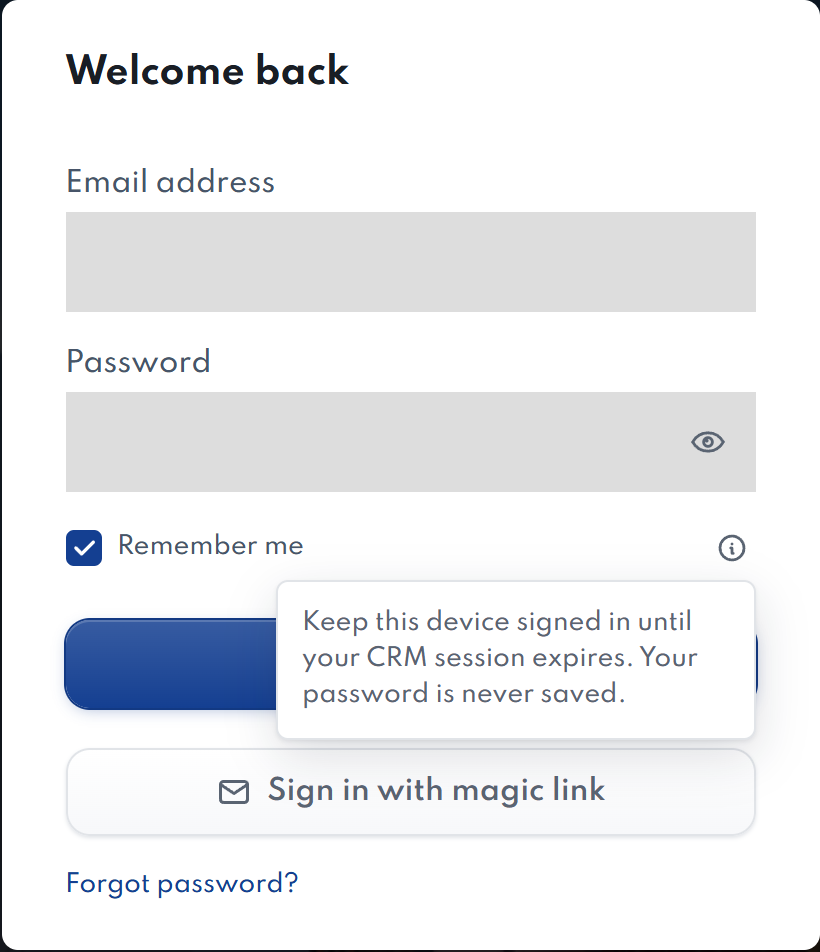
Remember me keeps a valid CRM sign-in saved on your Windows device. It does not save your password or keep you signed in forever.
- Check Remember me before signing in.
- Complete sign-in and any verification step.
- When you reopen AgentDock, it checks the saved session with CRM. If the session has expired or access has changed, sign in again.
What is the recent-account card?
After a successful sign-in, the login screen can show your name, email and initials. Select Sign in with this account to fill your email; you still need to authenticate.
The card can remain for up to 30 days. Select its × button to forget it. Signing out clears remembered access but does not remove this convenience card.
Mac: saved-session storage is not yet supported. Leave Remember me unchecked if the app says it cannot save your sign-in securely.