Use your active 3E CRM staff account. Your CRM work email and password open AgentDock. A Mint account alone does not grant access.
- Enter your CRM email and password, then select Sign in.
- Complete the email or authenticator verification code when asked.
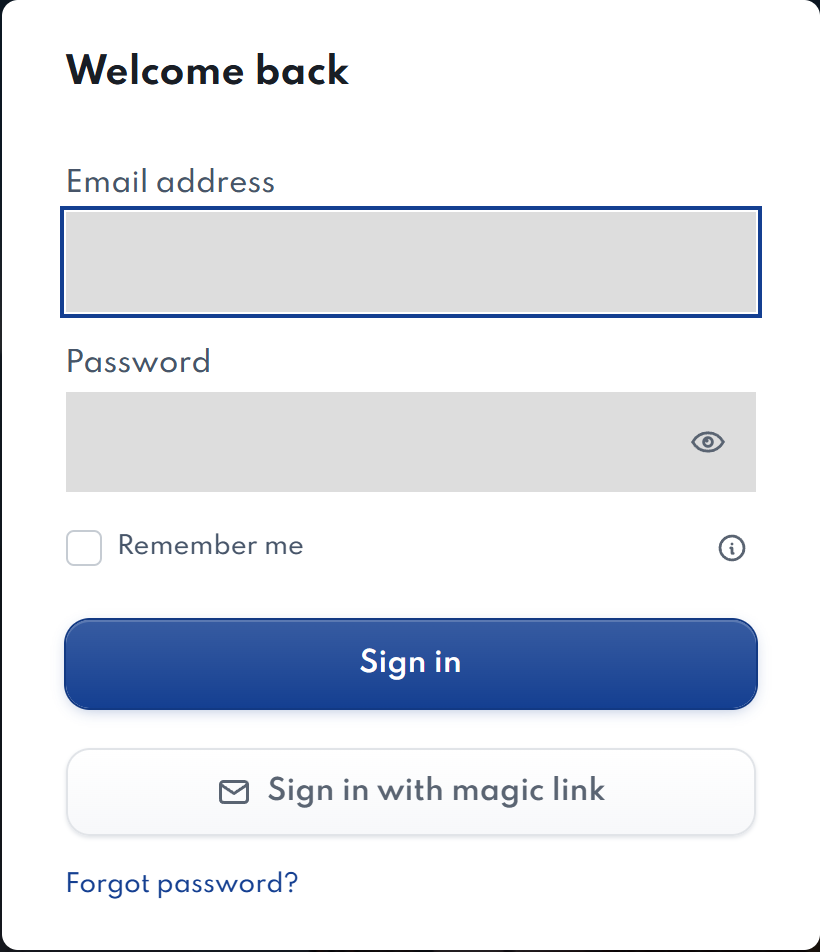
Other ways to sign in
Use a magic link to sign in through your email, or reset your CRM password if you have forgotten it.
Why does my workspace look different?
AgentDock follows your CRM role. Team members and administrators may see different screens. If access looks wrong, ask your CRM administrator to check your staff account.
After signing in, you can connect your own Mint account.