Use your CRM work email to sign in without entering your password.
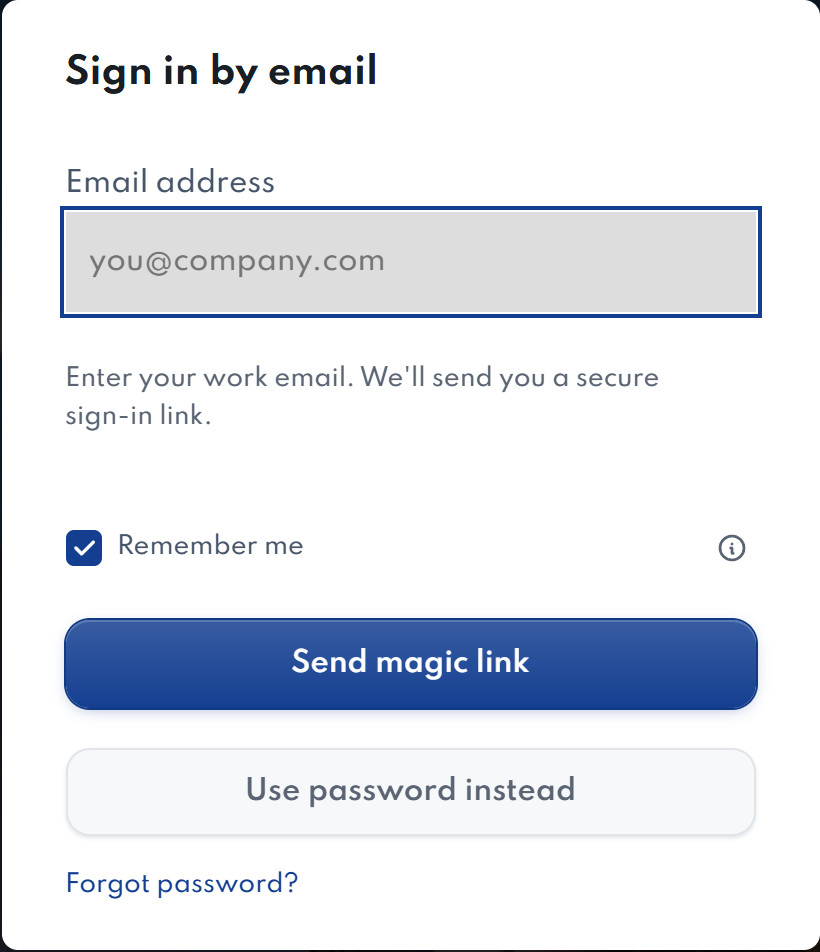
- On the login screen, select Sign in with magic link.
- Enter the email on your active CRM staff account and select Send magic link. Keep AgentDock open.
- Open the email and select Confirm your sign-in.
- On the confirmation page, select Confirm sign-in, then return to AgentDock.
- If your account uses an authenticator app, enter its code when prompted.
No email or an expired link?
Check your address and spam or junk folder. Links expire after 10 minutes and work once. Use the newest link; requesting another replaces the previous one. If asked to wait, follow the message before trying again.
Choose Use password instead to return to password sign-in. Only confirm a link you requested yourself.